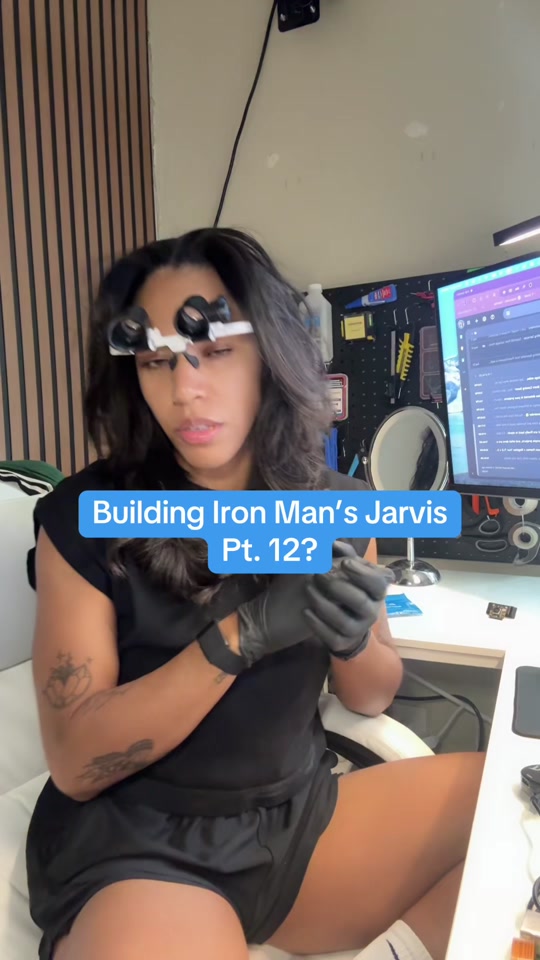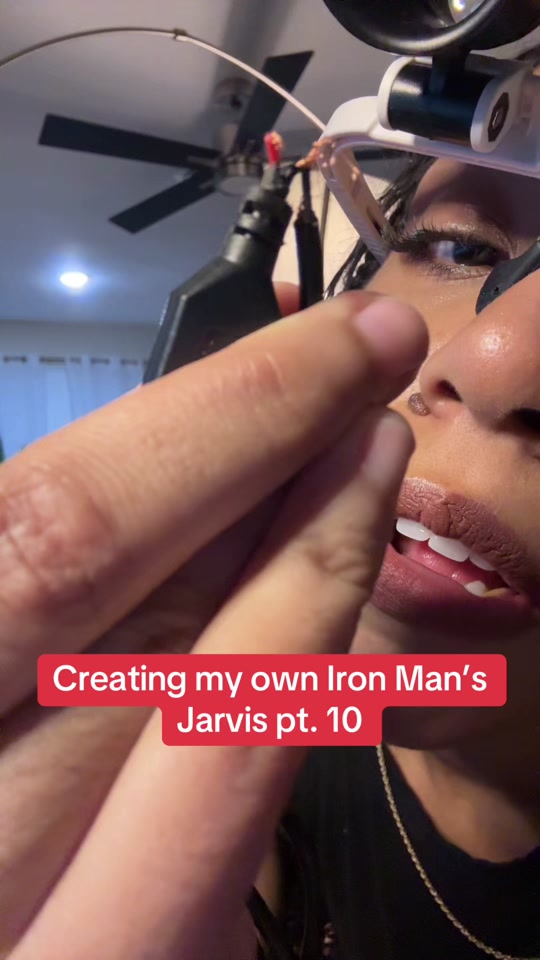
Soldering the depth-sensor connections
With Fletcher off the projector for a camera upgrade, I use the chance to solder a pin header onto the depth-sensor board, attach jumper wires, and connect it back to the Pi.
Read the build breakdownTHE BUILD JOURNAL
What I changed, how I built it, and what happened when I tested it. Each story follows its original video.
21 build updates · newest first
With Fletcher off the projector for a camera upgrade, I use the chance to solder a pin header onto the depth-sensor board, attach jumper wires, and connect it back to the Pi.
Read the build breakdownWith the SSD move finished, I swap the wide camera above the desk for an Arducam Camera Module 3 NoIR 75° supplied by a supporter, aiming for a less distorted view for the hand tracker.
Read the build breakdownSupporters sent a USB enclosure for the SSD I already owned, so I clone Fletcher's system off the microSD card and onto the drive while keeping the AI HAT installed.
Read the build breakdownThe projected desk already responds to my hands, so I test whether the same kind of pinch-and-grab interaction can control the Mac, aiming eventually to bring a live Mac window onto Fletcher's desk.
Read the build breakdownTurning on the projector alone only reaches its home screen, so I test Fletcher waiting for it to boot and sending the remote commands that select HDMI, first directly and then by voice.
Read the build breakdownThe infrared controller needs a place to live. I measure the boards, design a holder, and print a simpler version in PETG after the first attempt has too many parts.
Read the build breakdownThe remote codes are captured. This time I put them on a small controller, wire up an infrared transmitter, and try it on the actual projector.
Read the build breakdownI use the Flipper Zero to capture the original remote, save the buttons, and test the power command on the projector.
Read the build breakdownAfter awkward pinches and missed grabs, I change the calibration process and test picking up, dropping, and dragging cards on the desk.
Read the build breakdownThe Pi, projector, and camera are connected. I test whether live hand tracking can turn into useful card movement.
Read the build breakdownI test a lighter dashboard after discovering that the dark design left the camera struggling to see my hand.
Read the build breakdownThe AI HAT upgrade does not immediately fix tracking. Looking at the camera feed points to the light coming from the dashboard itself.
Read the build breakdownI explain the roles of the Pi, the voice device, and the knowledge system on the Mac mini—and why knowing my work matters more than a general intelligence claim.
Read the build breakdownI install the AI HAT so tracking and spoken responses do not have to compete for all the same processing on the Pi.
Read the build breakdownThe voice test moves from the small microphone unit toward the projector, while the on-screen assistant still needs work.
Read the build breakdownFletcher responds to her name, but replies are quiet and still come from the Atom Echo instead of the projector.
Read the build breakdownI turn the temporary HDMI connection into a mounted setup above the desk, working around the case and connector fit.
Read the build breakdownThe Pi’s case gets in the way of the HDMI adapter. I test an old switcher while waiting for the right cable.
Read the build breakdownThe assistant project returns through a desk rebuild: a Raspberry Pi, a camera, and a projector aimed at the work surface.
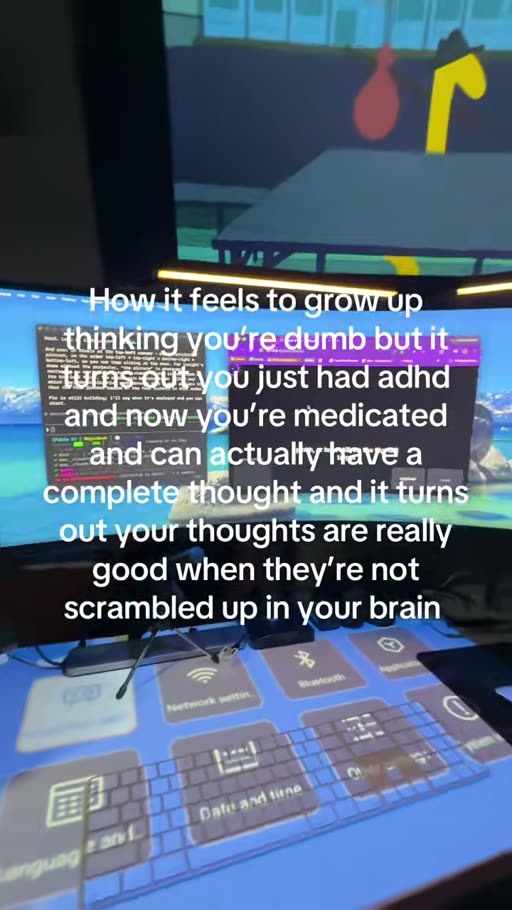
Read the build breakdownA short look at the workspace while the Pi’s desktop is projected over the desk and the calibration page is open.
Read the build breakdownIn this 2025 experiment, I try using an ESP8266 and a relay to switch a light circuit after identifying the remote as radio-frequency.
Read the build breakdown